
Review before it changes.
Imports, reminders, saved reports, and workflows begin with a proposal. Approve it when you’re ready.
Meet the finance agent that helps you make sense of your money.
Ask a question. See what matters. Decide what happens next.
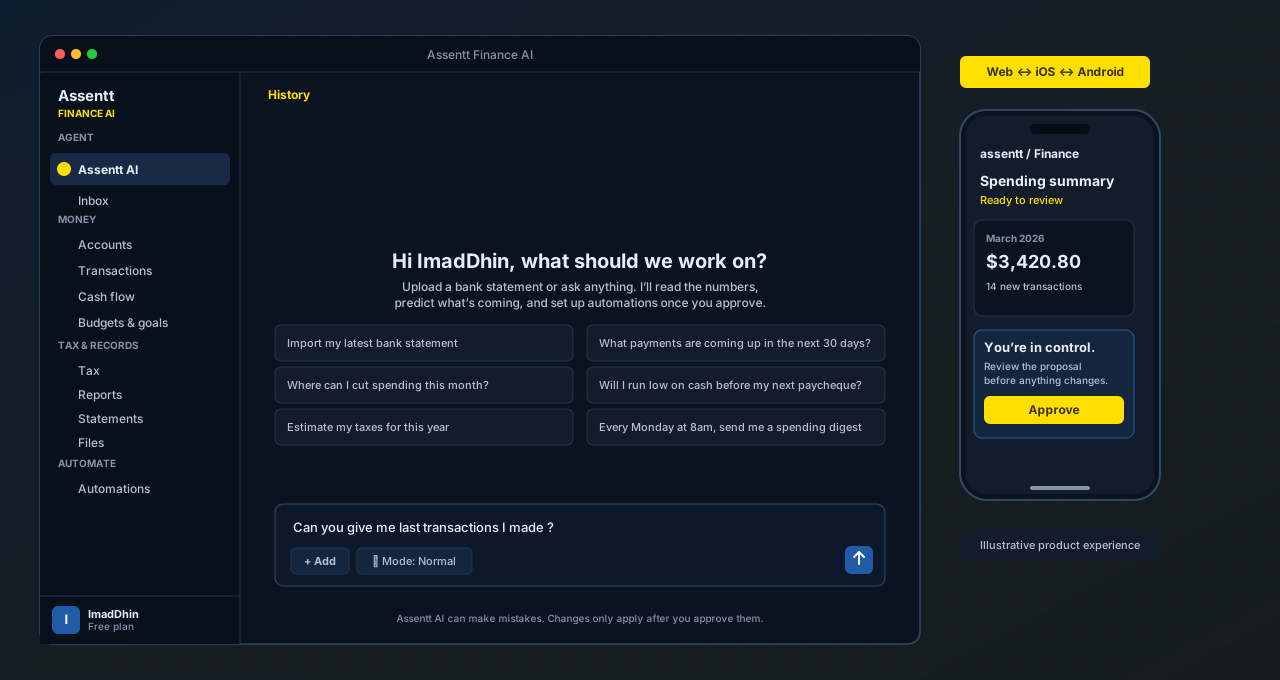
LESS ADMIN. MORE UNDERSTANDING.
From the statement you’ve been putting off to the month you’re planning ahead. Start with a question. Your agent brings the right tools.
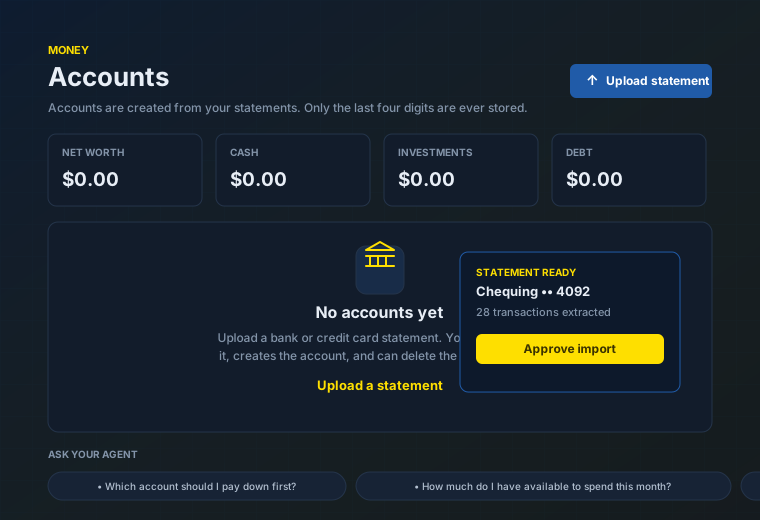
01STATEMENTS, SORTED
Bring a PDF, CSV, OFX, or statement image. Your agent extracts transactions, helps categorize them, and prepares the import for your review.
“Help me understand this statement.”
Select a statement on your phone. Review the import on either device.
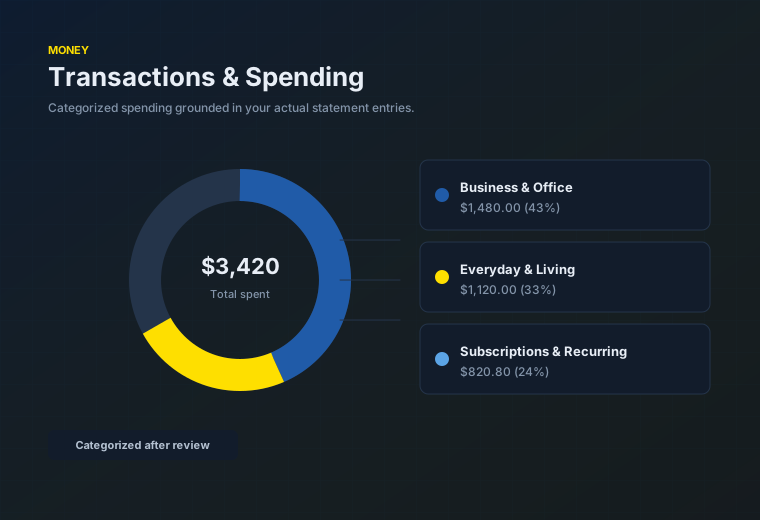
02SPENDING, EXPLAINED
Ask about a merchant, a category, or your business expenses. Get an explanation grounded in your transactions, with the detail there when you need it.
“What changed in my spending this month?”
Ask on the go. Explore your transactions on the bigger screen.
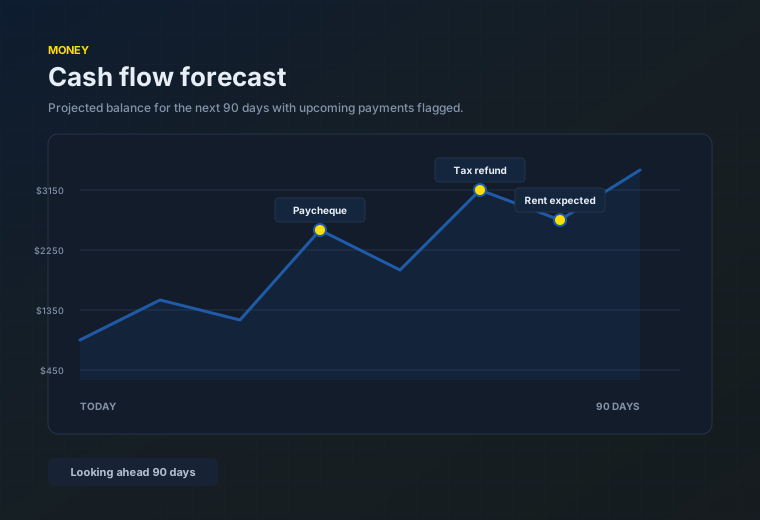
03A LITTLE FORESIGHT
Look ahead at projected cash flow and expected payments. Explore the next 30, 60, or 90 days, and see when your balance may need attention.
“What does my next month look like?”
Check the outlook from your phone before making your next decision.
04ROOM TO BREATHE
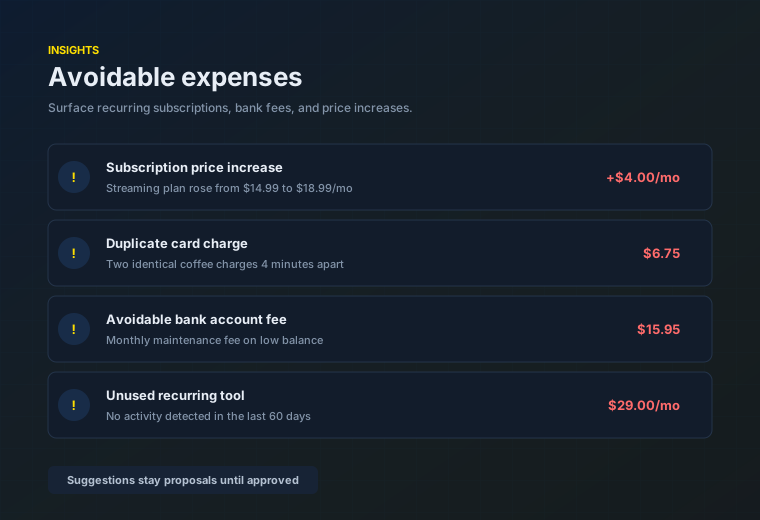
Surface recurring subscriptions, bank fees, possible duplicate charges, and price increases. Your agent suggests what to review. You decide what to do.
“Where could I cut unnecessary spending?”
Review a suggestion wherever you are. Take action on your terms.
05CANADIAN TAX ILLUSTRATIONS
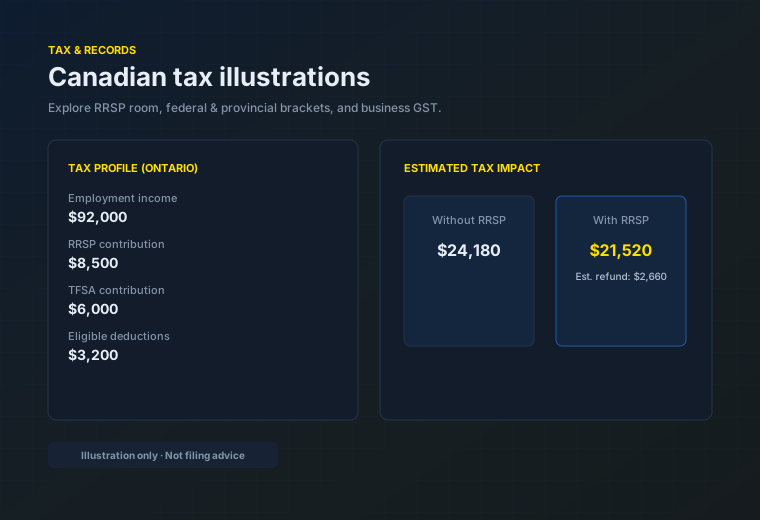
Explore federal and provincial tax estimates, RRSP contribution scenarios, and business income summaries. See how different inputs change an illustration.
“Illustrate the impact of an RRSP contribution.”
Update your inputs and review scenarios on web or mobile.
Tax illustrations are estimates, not tax advice or a filing service.
06YOUR WORDS. YOUR WORKFLOW.
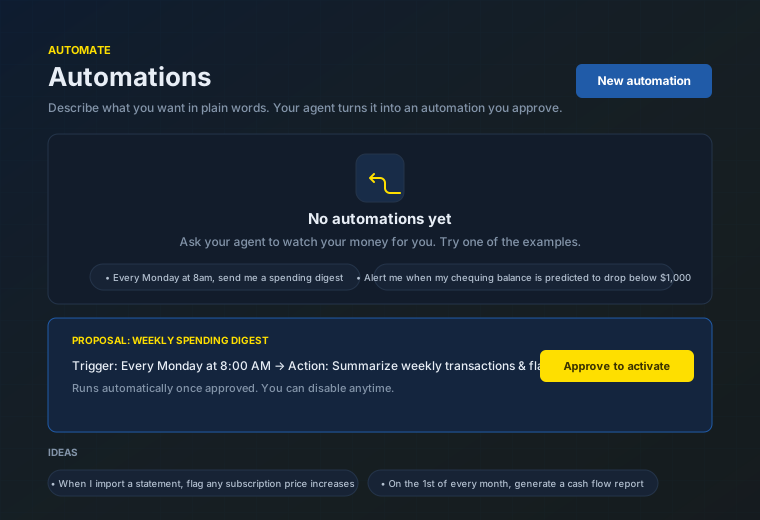
Describe a spending digest, budget check, or report in plain language. Review the proposed workflow, approve it, and let the schedule handle the repeat work.
“Summarize my spending every Friday.”
Approve a workflow from your phone. Review its results on either device.
07PLANS WITH PURPOSE
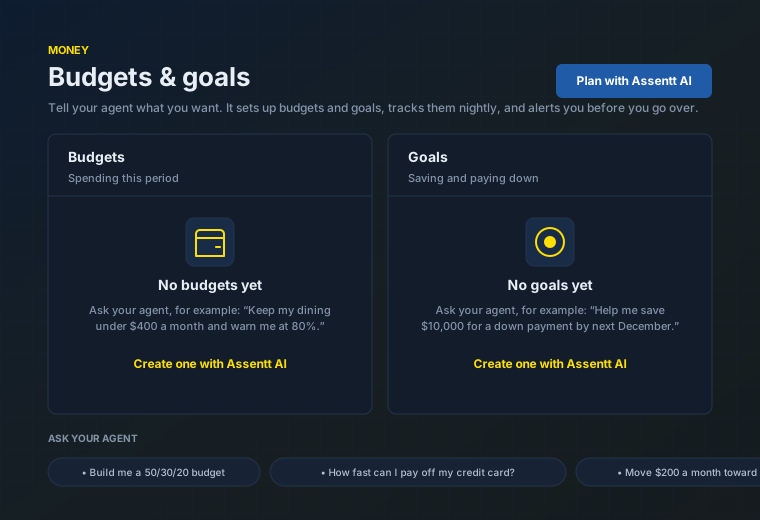
Turn a savings goal, debt pay-down plan, or spending limit into a proposal. Review it with your agent, approve the plan, and follow your progress.
“Help me set a monthly grocery budget.”
Check your goals and category budgets from web or mobile.
08ANSWERS YOU CAN TAKE WITH YOU
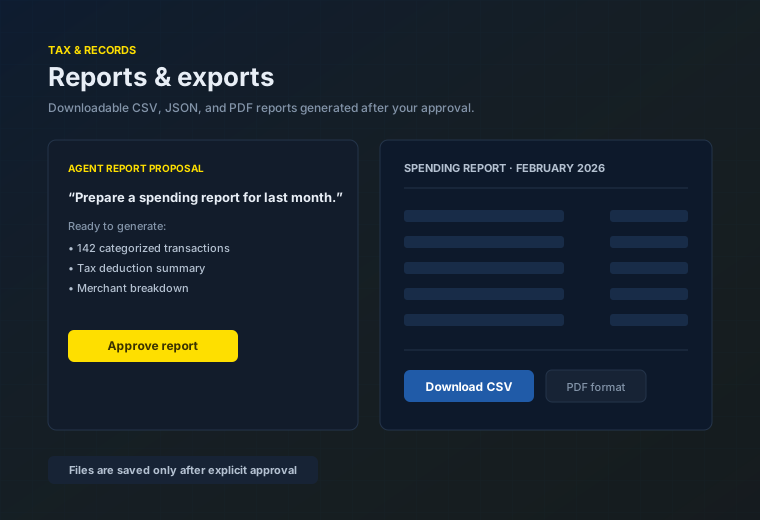
Ask for a spending, cash-flow, profit-and-loss, or tax summary. Your agent prepares a report proposal, with a downloadable file created after your approval.
“Prepare a spending report for last month.”
Review the report on your phone or download it from the web app.
09CONNECTED, WITH PERMISSION
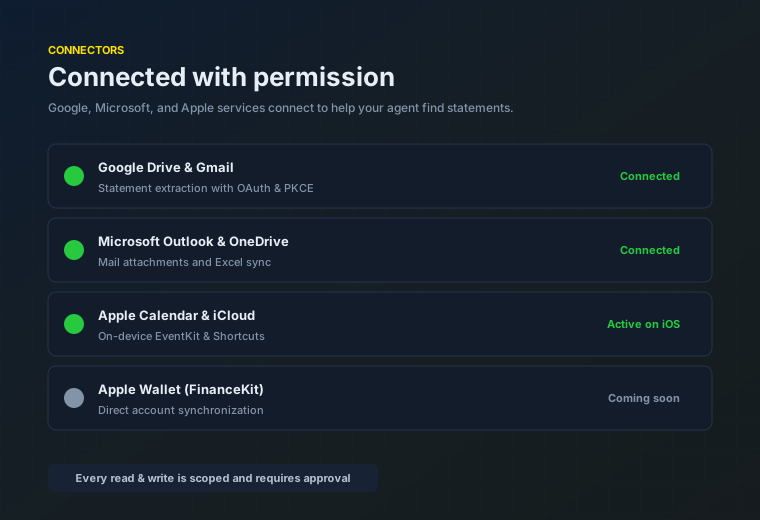
Connect supported mail and file services to find statements. Ask for reports or calendar reminders. Imports, saved reports, and reminders stay proposals until you approve.
“Find my statement and prepare a spending report.”
Use connected services across devices, with Apple device tools on iOS.
Provider availability and permissions vary. Apple device tools are available on iOS.
SAME AGENT. DIFFERENT SCREEN.
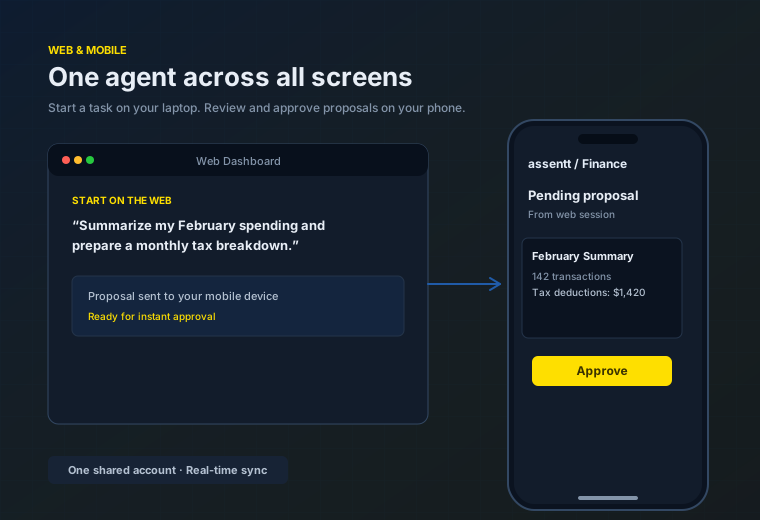
Start with a statement on your laptop. Ask a follow-up on your phone. Review the same financial records and pending proposals with the same account.
THE FINAL WORD IS YOURS.
Imports, reminders, saved reports, and workflows begin with a proposal. Approve it when you’re ready.
Source statements are deleted after import by default. Choose a longer retention if you need it.
Full account numbers aren’t stored. Connected services use the permissions you grant.
A FEW THINGS TO KNOW.
People managing their own money and small-business owners who want to understand their finances through a conversation. Your agent works with the statements and information you choose to share.
Assentt helps you understand financial information and organize money tasks. It does not hold deposits or move money between bank accounts.
Agent tools that change data prepare a proposal first. You review and approve an import, saved report, reminder, or workflow before it is applied.
The web app, iOS app, and Android app use the same signed-in account and financial records. You can review your information and pending proposals on either device. Some device tools, including Apple Calendar and Shortcuts, are specific to iOS.
Source statement files are deleted after import by default. You can choose a longer retention period. Only the last four digits of an account number are stored.
Assentt Finance is preparing for launch. Registration will open here, with email updates about access to the web and mobile apps.
MEET YOUR NEXT MONEY HABIT.
Personal finance & small business. One conversation at a time.